Chat
معلومات Aifar

Account settings
Update your profile, email binding, connected Google account, and password in one place.
معلومات Aifar
معلومات Aifar
معلومات Aifar
معلومات Aifar
معلومات Aifar
معلومات Aifar
معلومات Aifar
Show visitors what happens after they decide to evaluate Aifar.
Confirm modules, users, deployment requirements, and support boundaries.
Prepare clients, accounts, documents, and admin operating rules.
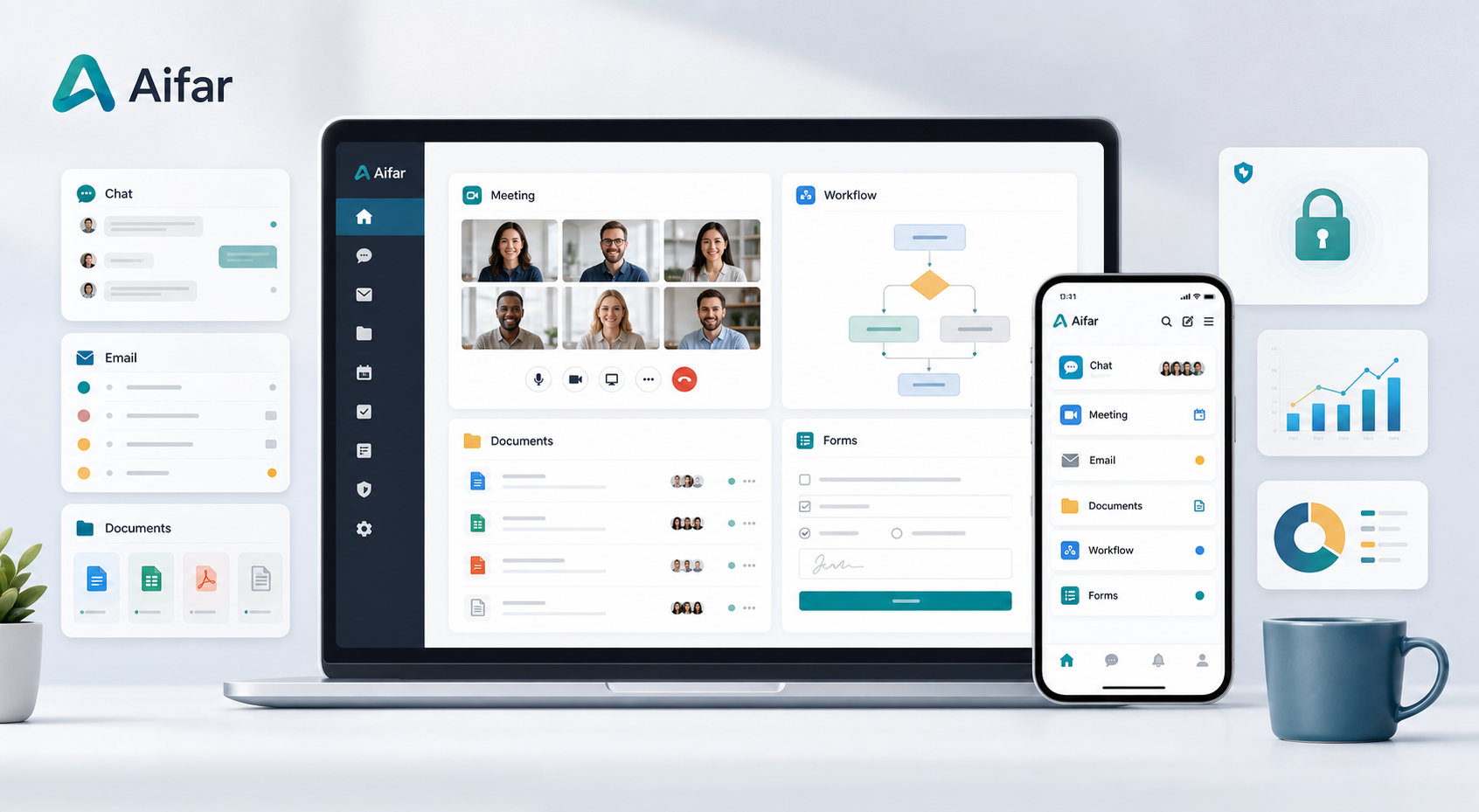
Track collaboration, requests, updates, and service feedback from one workspace.
Security and governance
Keep deployment, permissions, and operating records easy to review.
Admin controlled access and scoped operating modules.
Clear environment, release, and support expectations.
Content updates and key actions stay traceable for operations.
Client access
Move from product evaluation to supported installation from one clear path.
Resolve common questions before visitors contact the team.
Government and enterprise teams that need lightweight standard collaboration.
Use the support and contact entry points for product questions and technical issues.
Admins can save drafts, preview changes, publish, and restore previous versions.
Keep product evaluation, security review, documentation, and support requests in one clear path.
Use this product section as the security and deployment overview.
DOpen guides and technical materials prepared for users and administrators.
TSubmit product usage, installation, account, or client issues.
QDiscuss rollout fit, deployment planning, and collaboration needs.